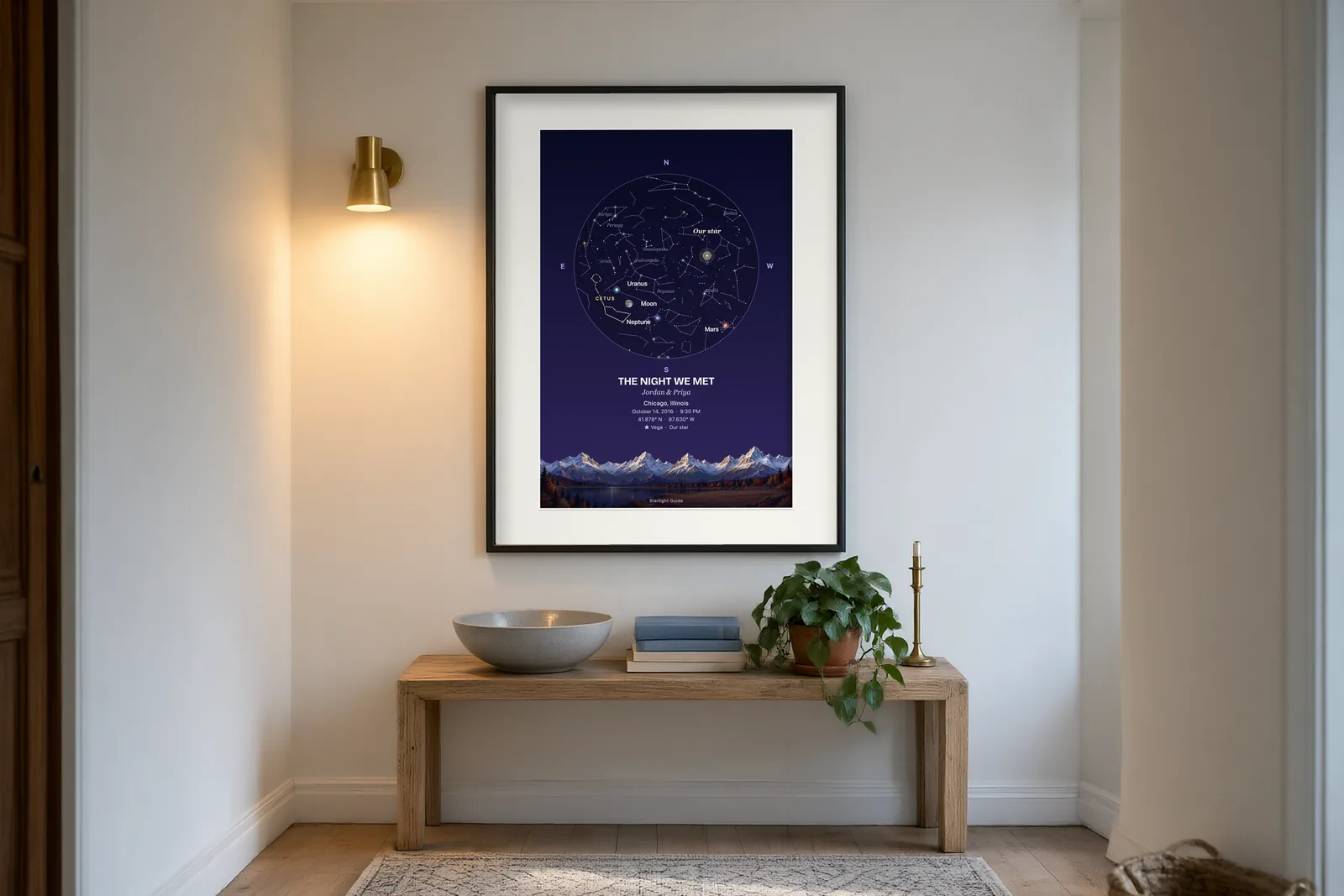
Pick a date, a time and a place, and see the real sky above it. A birthday, a trip, a wedding, a day that changed everything: the sky was there, and now you can see it again.
Make your star map · Prefer to have it made for you? See it on Etsy
How to make a star map by date and location
- Choose a date. Any day between 1900 and 2100, past or future.
- Add a time, if you have one. It’s optional. With no time given, the map uses noon, local clock time (daylight saving included for that place and year), and says so.
- Pick a place. Start typing a city and pick it from the list.
- Choose what to show. Constellation lines and names, the Sun, Moon and planets, the Milky Way, and a grid with a compass ring. You can highlight a planet or a constellation too.
- Add your words. A title, names and a short line of your own.
- Make it, then save the image. Replay the animation, download it or share it.
What the map shows
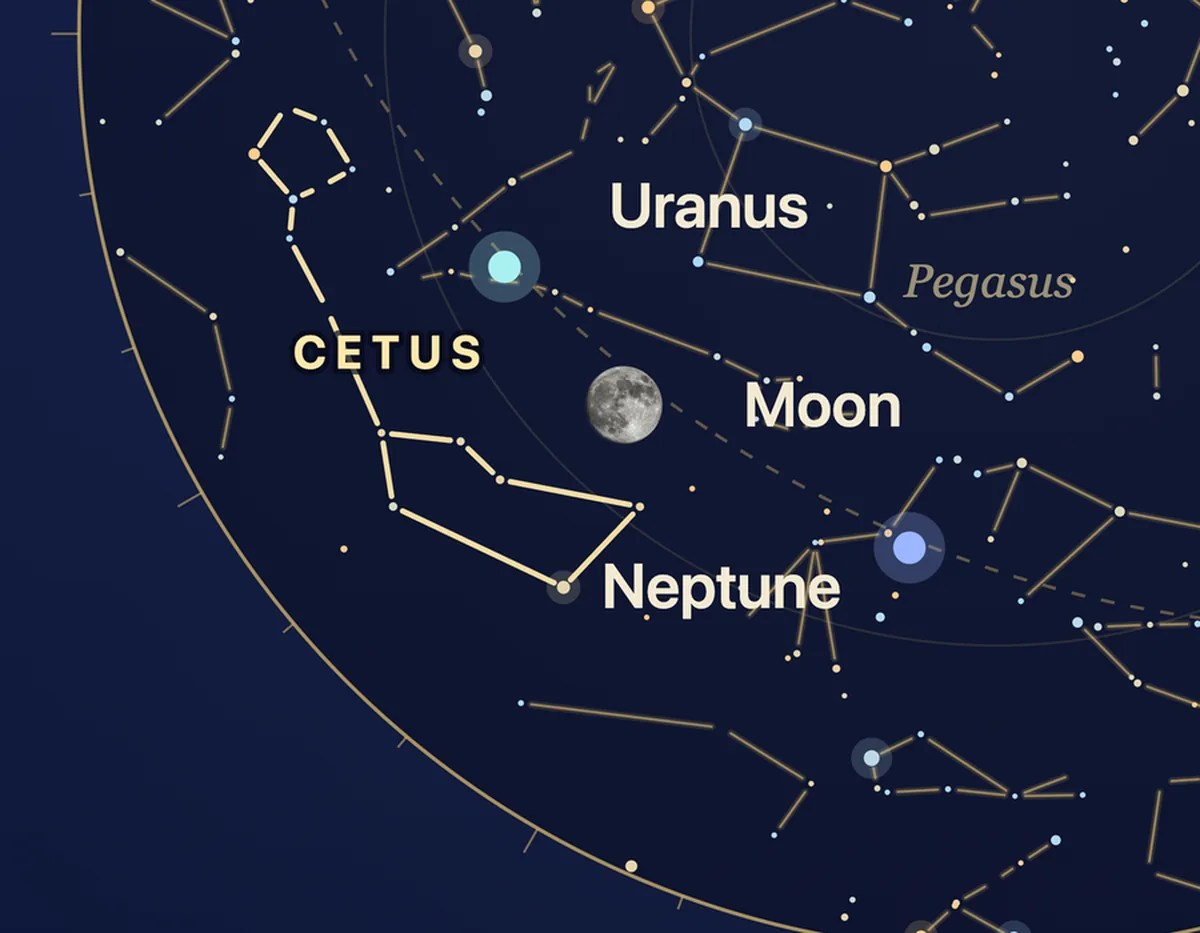
- The stars as they appear from your chosen place, with optional constellation lines and names. In the southern hemisphere, you’ll see different constellations than in the north.
- The Moon, shown in its real phase for that moment when it’s above the horizon and switched on.
- The Sun and planets, placed where they really were, or will be. They’re drawn even when daylight would hide them.
- The Milky Way, if you turn it on.
The sky depends on where you stand and when. The same date looks different from different cities, and it turns through the night. That’s why the map asks for both.
Ideas for dates
- Your birthday, or the night you were born. See our page on the night you were born.
- A wedding or an anniversary: wedding · anniversary.
- The day you met someone, moved somewhere or finished something.
- A trip, such as the night you stood under a dark sky far from home.
- A day in history that you’ve always wondered about.
- A day in the future, like the date of an upcoming celebration.
A note on daytime
Stars are drawn as if the sky were dark. If you pick a daytime moment, the map shows the Sun among the stars, which is a view you can’t see with your own eyes. If you want a night view, choose a night-time hour for that place.
Tropical and sidereal labels
If you add the optional zodiac layer, you can choose Tropical (Western) or Sidereal (Lahiri, Vedic) signs. It changes where the sign divisions sit against the sky (about 24° apart for present-day dates), not where the stars and planets are. The labels describe where things were, not what will happen.
How the map is made
The map is drawn from astronomical calculations of the real sky for the date, time and place you give. The preview is computed in your browser, and nothing you enter into it is sent or stored. If you save or share an image, it includes the details you leave on it. If you order through Etsy, you submit your personalization there so the map can be made.
Questions people ask
Can I see the sky for a date in the past? Yes, any date from 1900 to 2100.
Can I see the sky for a date in the future? Yes. Planets and the Moon are drawn from calculations, so a future date shows where they’re calculated to be.
Why does the sky look different in different cities? Your view depends on the date, time and location, including both latitude and longitude. Cities in different places see different horizons and different stars at the same moment.
Is it a horoscope? No. The map shows the sky as it was, or will be. The optional zodiac layer adds labels and symbols for fun, and it doesn’t say anything about the future.
What happens to my details? The preview runs in your browser, so nothing you type into it is sent or stored. If you order through Etsy, you submit your personalization there. If you save or share an image, it includes the details you leave on it.
Make yours
Pick a date and a place, and see the sky.
Make your star map · Prefer to have it made for you? See it on Etsy
You’ll add your names, date, time and place in the personalization box on Etsy.
Related: Wedding star maps · Anniversary star maps · Star map gift ideas